
GETTING STARTED
Welcome to the Hero Link family 👋
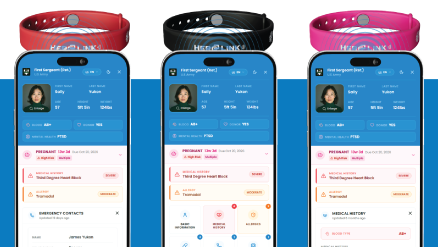
You just took a big step toward peace of mind. In a few minutes, your Hero Link will be ready to speak up for you when you can't. No app, no charging, no batteries. Let's do this.
Step 1: No app or NFC setting needed!
iPhones (XS and newer) read Hero Link right out of the box. No app needed. There's no setting to turn on. Nice and easy.
Step 2: Unlock your phone
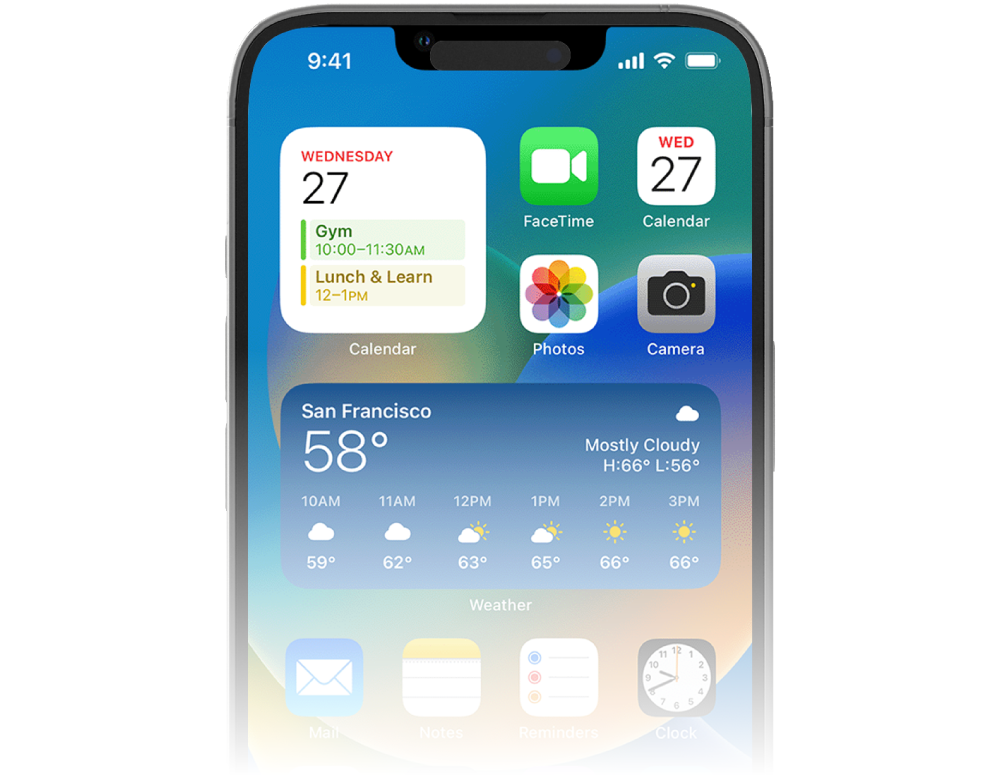
Unlock your iPhone so you're on the home screen. It's a built-in Apple security feature, so taps won't work while your phone is locked.
Step 3: Tap the top of your phone
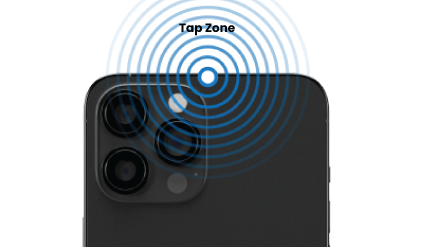
Firmly tap and hold the very top-middle edge on the back of your iPhone to the Hero Link logo. When the notification pops up, tap it.
Hint: Not working? Pull away and try again, shifting your phone around a little. You'll find the sweet spot.
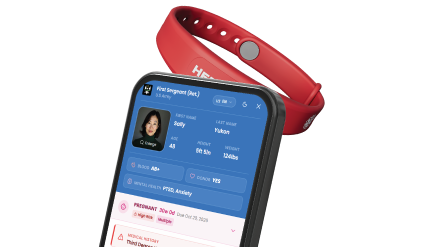
Need to make a change? Just tap!
Tap your Hero Link to your phone, just like you did in Step 3. When your profile opens:
- Still logged in? Scroll to the bottom and tap Edit to update any of your info.
- Logged out? Tap Login in the black banner at the top of your profile, sign in, and you're right back in.
- You may also go directly to app.herolink.com
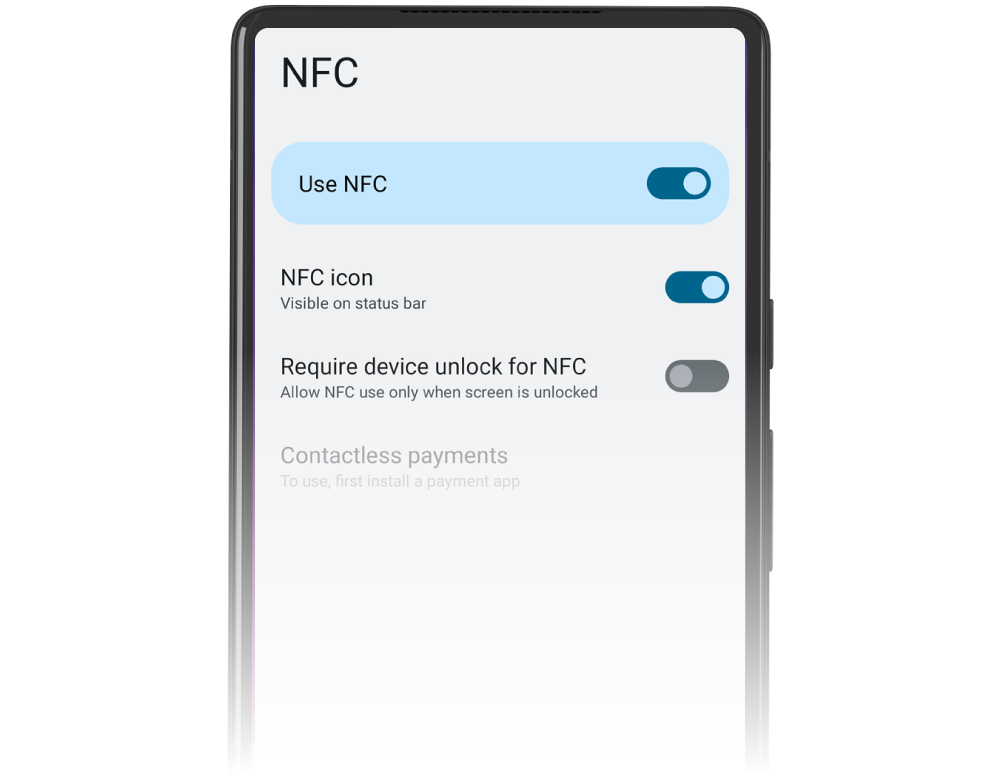
Step 1: Turn on NFC
Head to your Settings and make sure NFC is on. Most newer phones have it on already. (Tip: search "NFC" in your Settings to find it fast.)
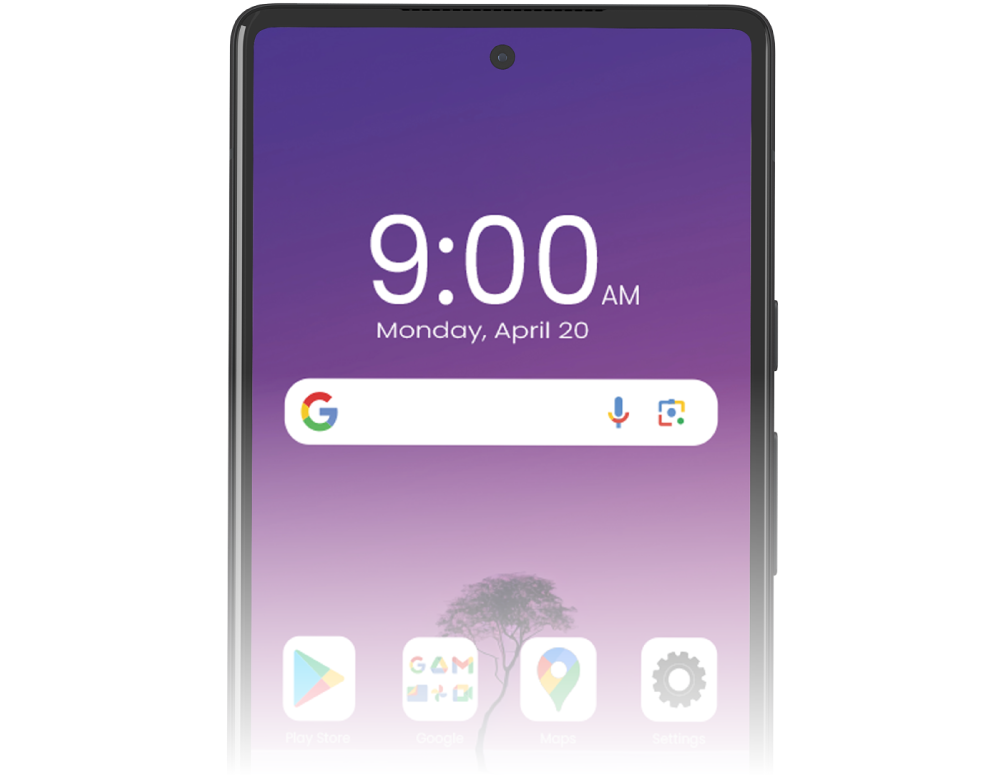
Step 2: Unlock your phone
Unlock your phone so you're on the home screen. Android won't read taps while your phone is locked. It's a security thing.
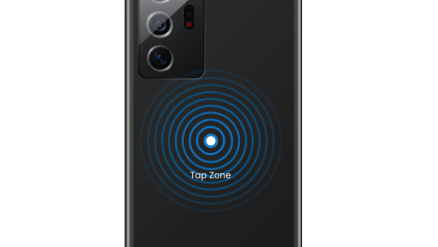
Step 3: Tap the middle of your phone
Firmly tap and hold the middle of the back of your phone to the Hero Link logo. When the notification pops up, tap it. (Some Androids will tap to the area across from your cameras)
Hint: Not working? Pull away and try again, shifting your phone around a little. Every Android's sweet spot is a bit different.
Need to make a change? Just tap!
Tap your Hero Link to your phone, just like you did in Step 3. When your profile opens:
- Still logged in? Scroll to the bottom and tap Edit to update any of your info.
- Logged out? Tap Login in the black banner at the top of your profile, sign in, and you're right back in.
- You may also go directly to app.herolink.com